Lumen Studio
Design summary
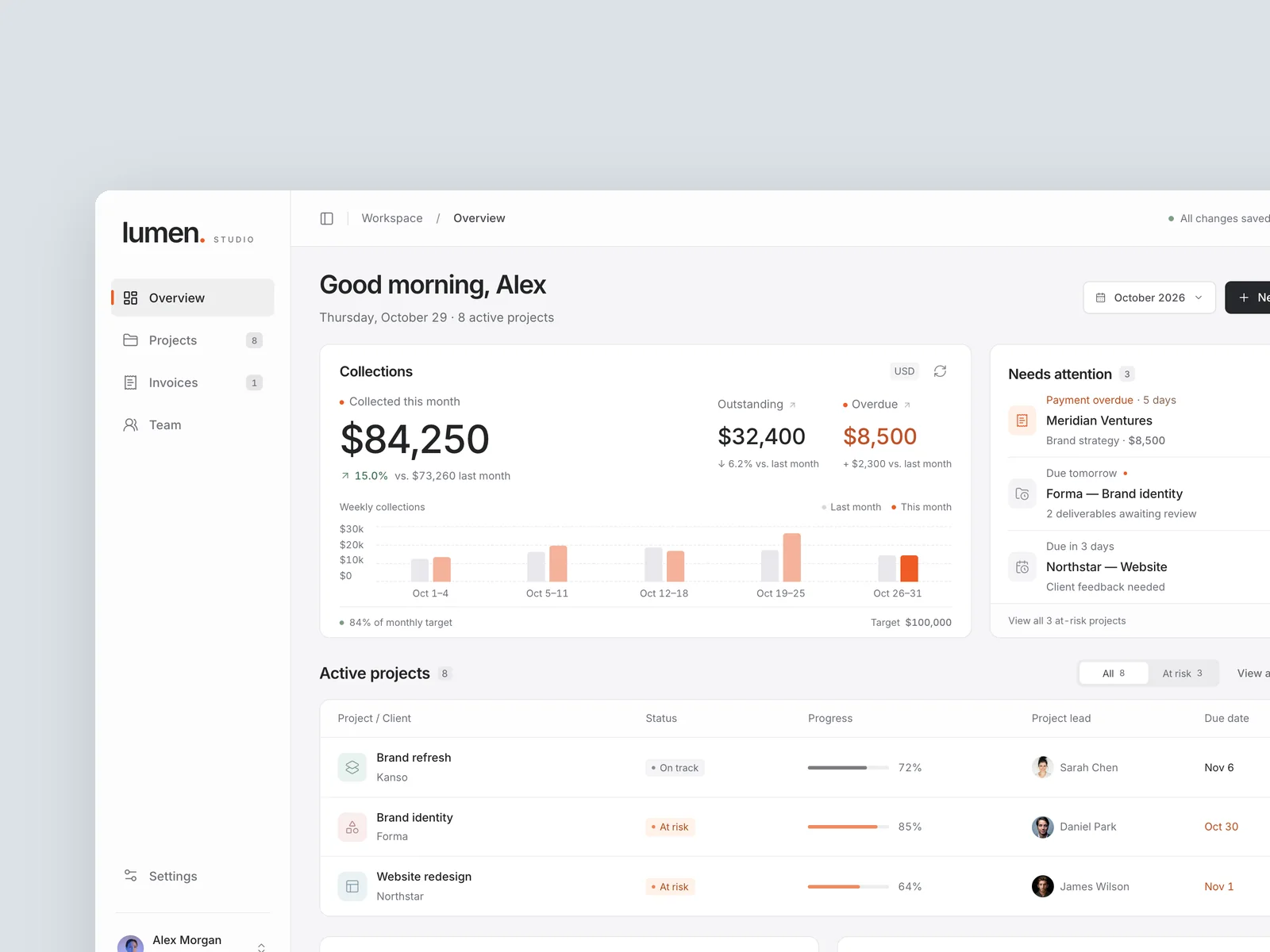
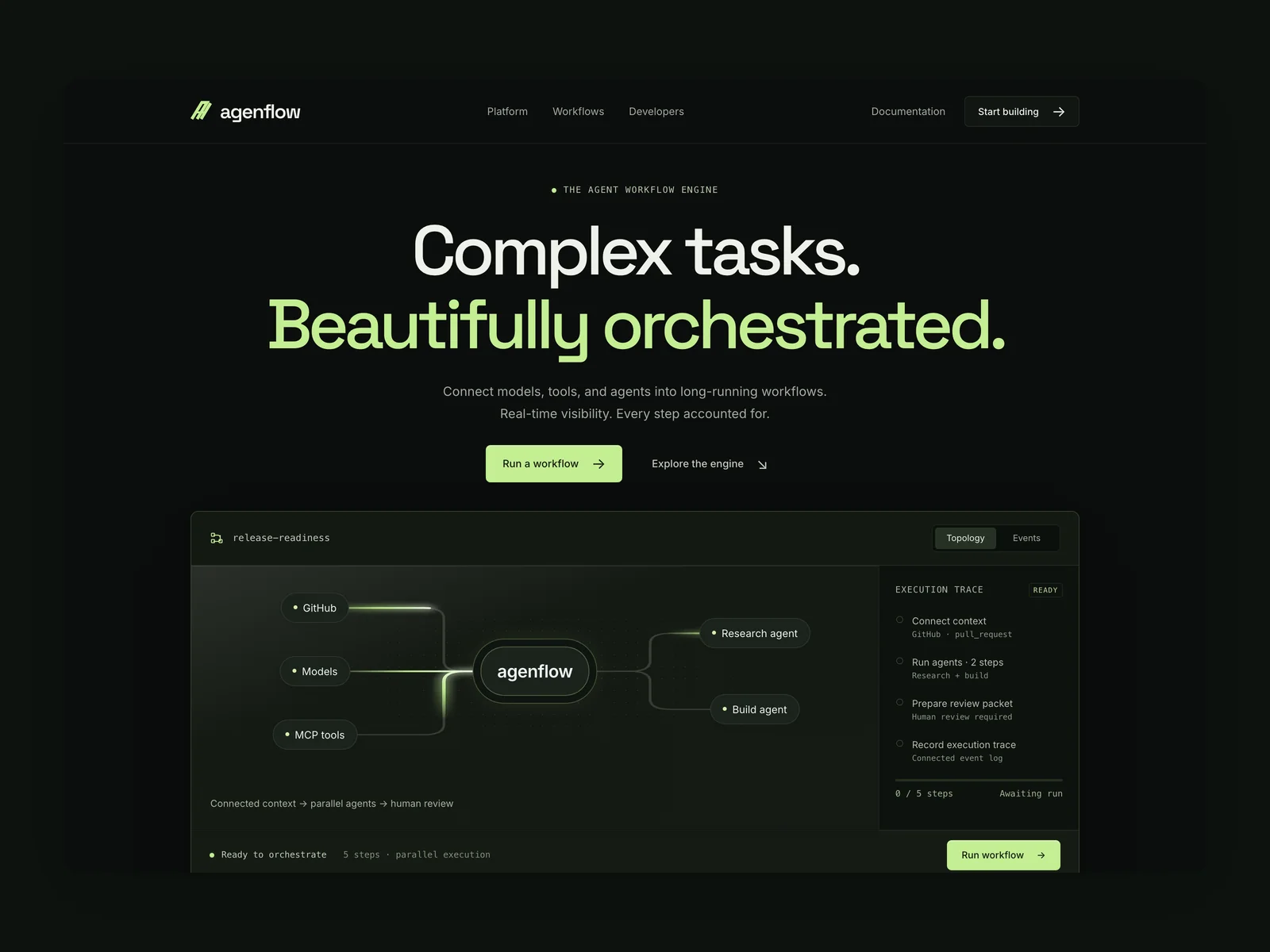
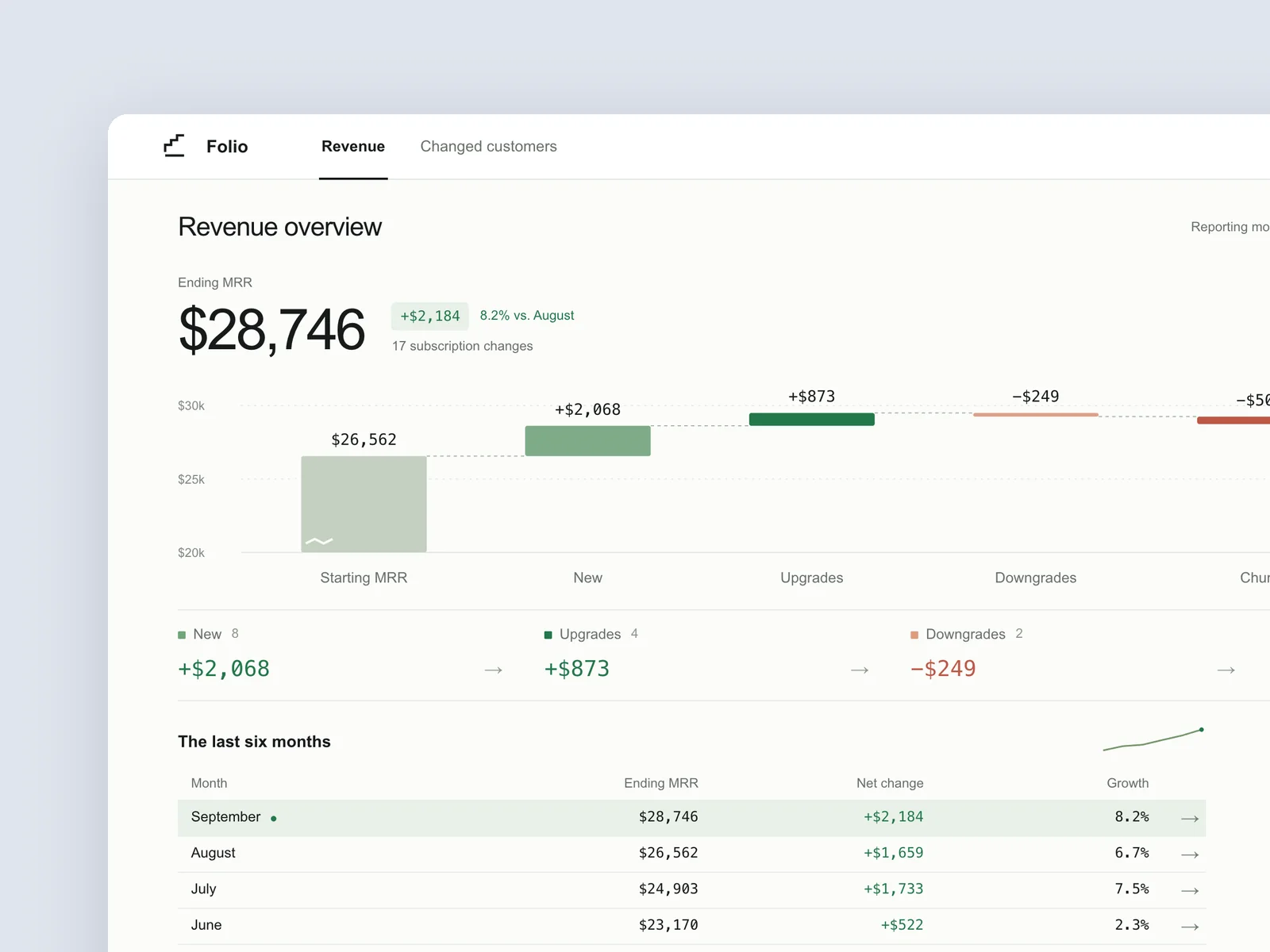
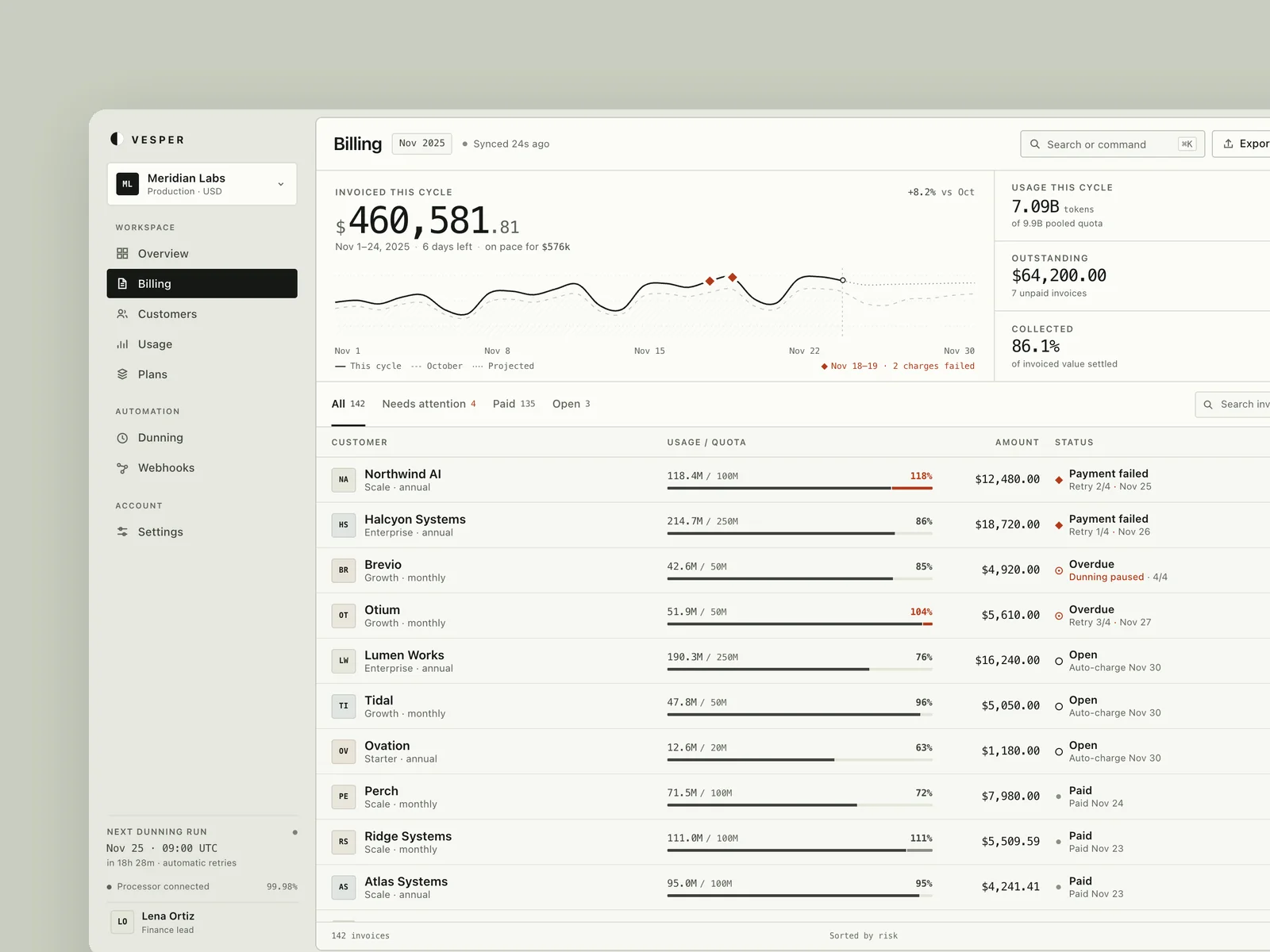
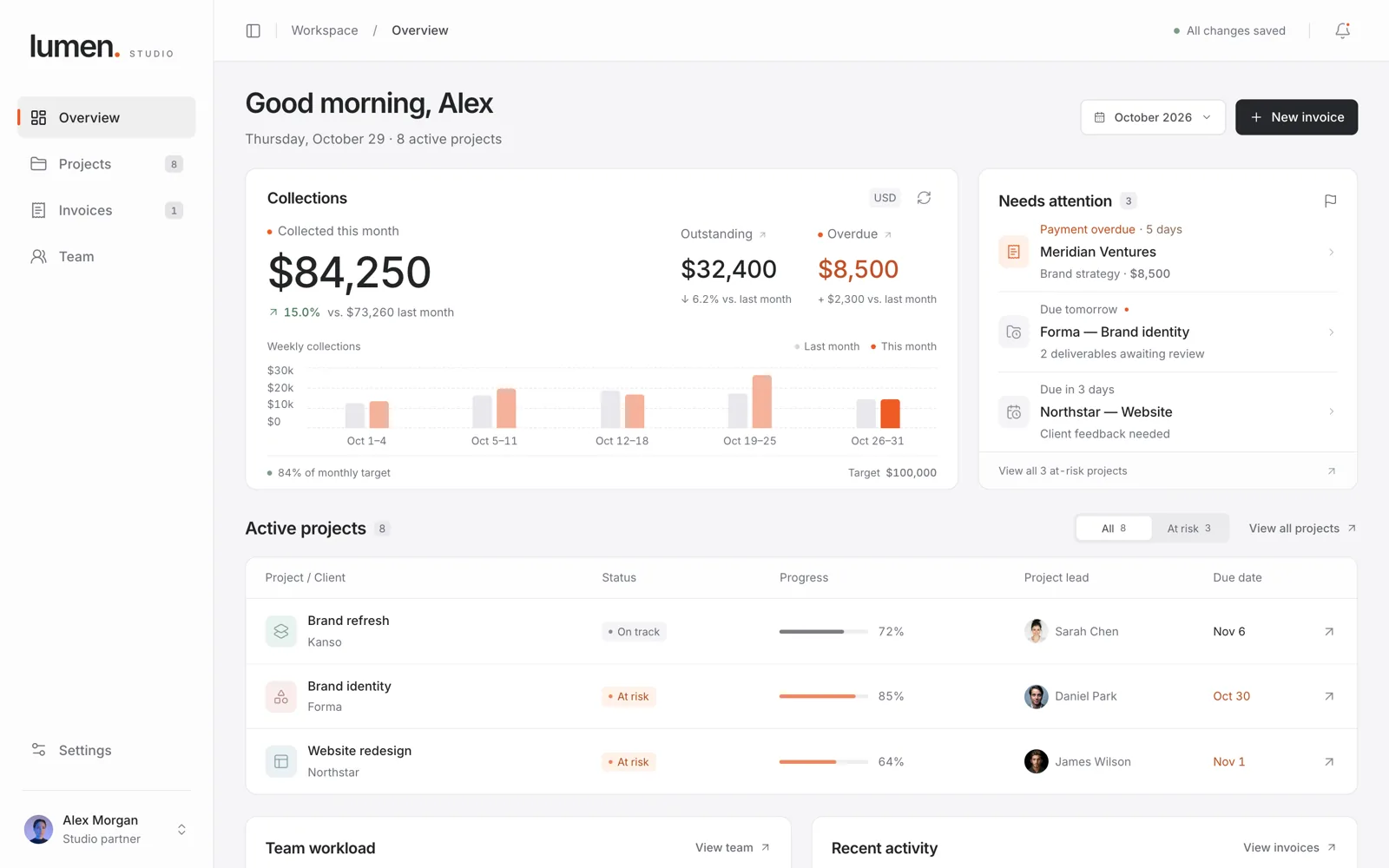
Lumen Studio is an operations ledger for a 20-person brand design studio, pairing a light neutral canvas, white surfaces, and restrained signal orange to place monthly collections ($84,250), outstanding and overdue balances, weekly collection bars, and urgent delivery exceptions side by side. It spans Overview, Projects, Invoices, Team, and Settings views with a slide-over project detail sheet, a multi-line invoice composer, persistent overdue reminders, and offline retry recovery.
Verification
VerifiedTwo rounds of independent visual review (8/10 → 9/10) and live browser UX walkthroughs verified the collections-and-attention hierarchy, compact mobile wordmark and collapsed mobile trend, project filtering with no-budget states, and the end-to-end overdue reminder flow for invoice INV-1042 with persisted recipient email (accounts@meridianventures.com), timestamp, and duplicate-send protection across reloads.
Verification boundaryThe second visual recheck (9/10) noted that chart axis and target footer text on desktop remains slightly small and that static captures could not independently certify drawer motion playback; invoice sending, reminders, and connection retries run against localStorage rather than live email or billing servers.
Prompt
Design an operations dashboard for a brand design studio of about twenty people (English UI, 1440×900 desktop viewport, responsive down to 390px). Partners and project managers open it every day to judge whether this month's collections and project progress are on track, handle items that are coming due, and issue invoices to clients.
The data includes this month's collected, outstanding, and overdue amounts with a comparison to last month, weekly collection trends, each project's client, owner, stage, progress, due date, and budget usage, each team member's current workload, and recent payments and invoices. Some projects have no budget set, and client names vary in length.
Users need to see how the studio is doing this month and what needs attention, filter and open projects to view details, create an invoice (choose the client and project, fill in line items and amounts, set a due date, then save as a draft or send it), and adjust their own notification preferences. Also provide a project list view.
View Chinese original
为一家二十人左右的品牌设计工作室设计经营面板(英文界面,1440×900 桌面视口,适配 390px 窄屏)。合伙人和项目经理每天打开它,判断本月收款和项目进度是否正常,处理快到期的事项,并给客户开具账单。
数据包含本月已收、待收与逾期金额及与上月的对比,按周的收款趋势,各项目的客户、负责人、阶段、进度、截止日期与预算使用,团队成员当前的工作负载,以及最近的收款与账单记录。部分项目没有设定预算,客户名称长短不一。
用户需要看清本月的经营情况和需要处理的事项,筛选并打开项目查看详情,新建一张账单(选择客户与项目、填写条目与金额、设置到期日,保存为草稿或直接发送),以及调整自己的通知偏好。另提供一个项目列表视图。